Security Update

Nobody Can Read Your Vault. Not Even Us.

Every household's saved passwords are now locked behind a key that's derived from your own login password — not a shared secret sitting on the server. Server access alone is no longer enough to decrypt a single entry.

Get Started — It's Free Read the full security policy

How it works

Real screenshots of the actual setup flow — not mockups.
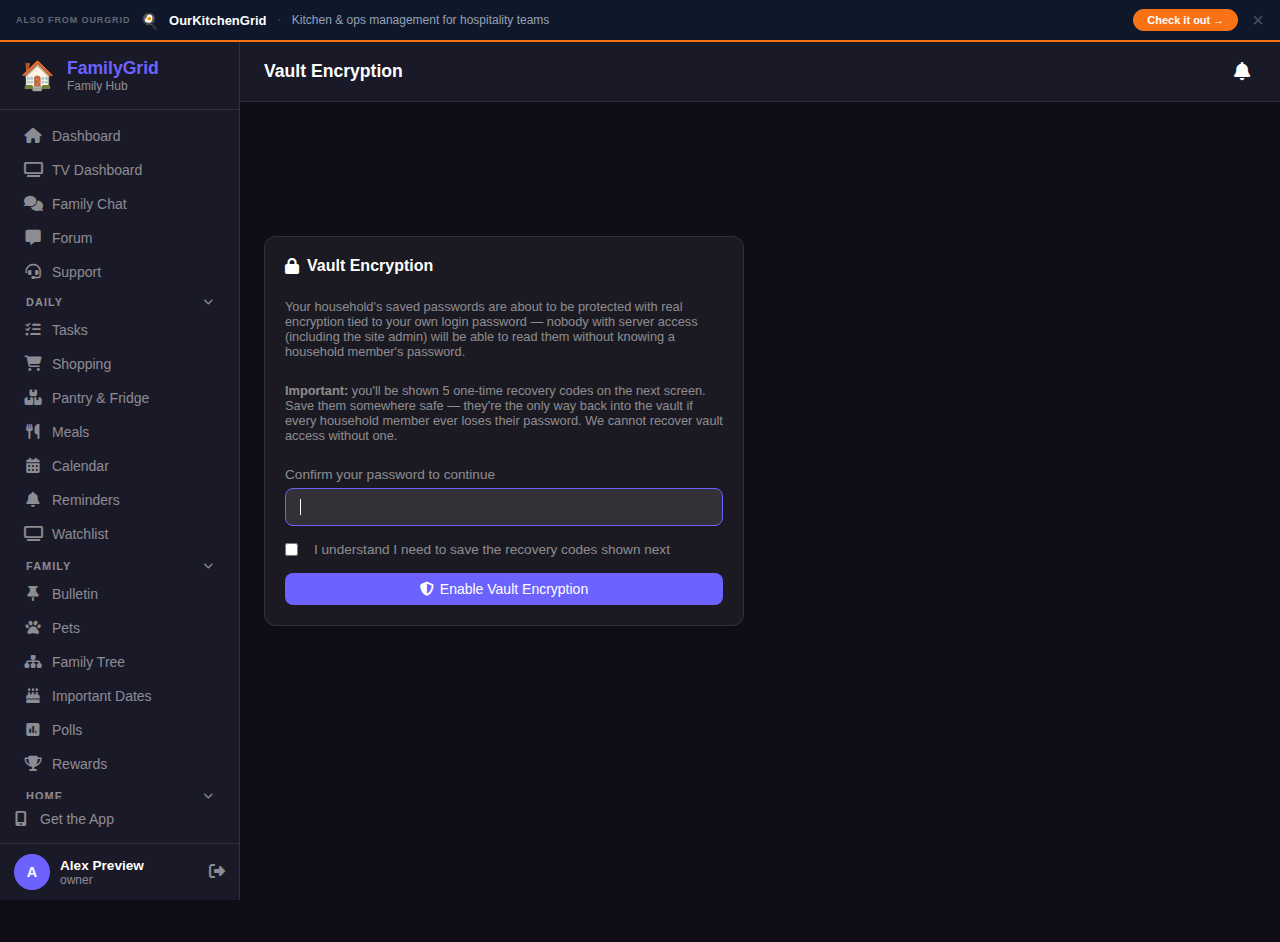
Vault encryption setup screen asking to confirm your password
Step 1

  Turn it on with your password

Confirm your login password once. That's what your household's vault key gets derived from — nothing new to remember.
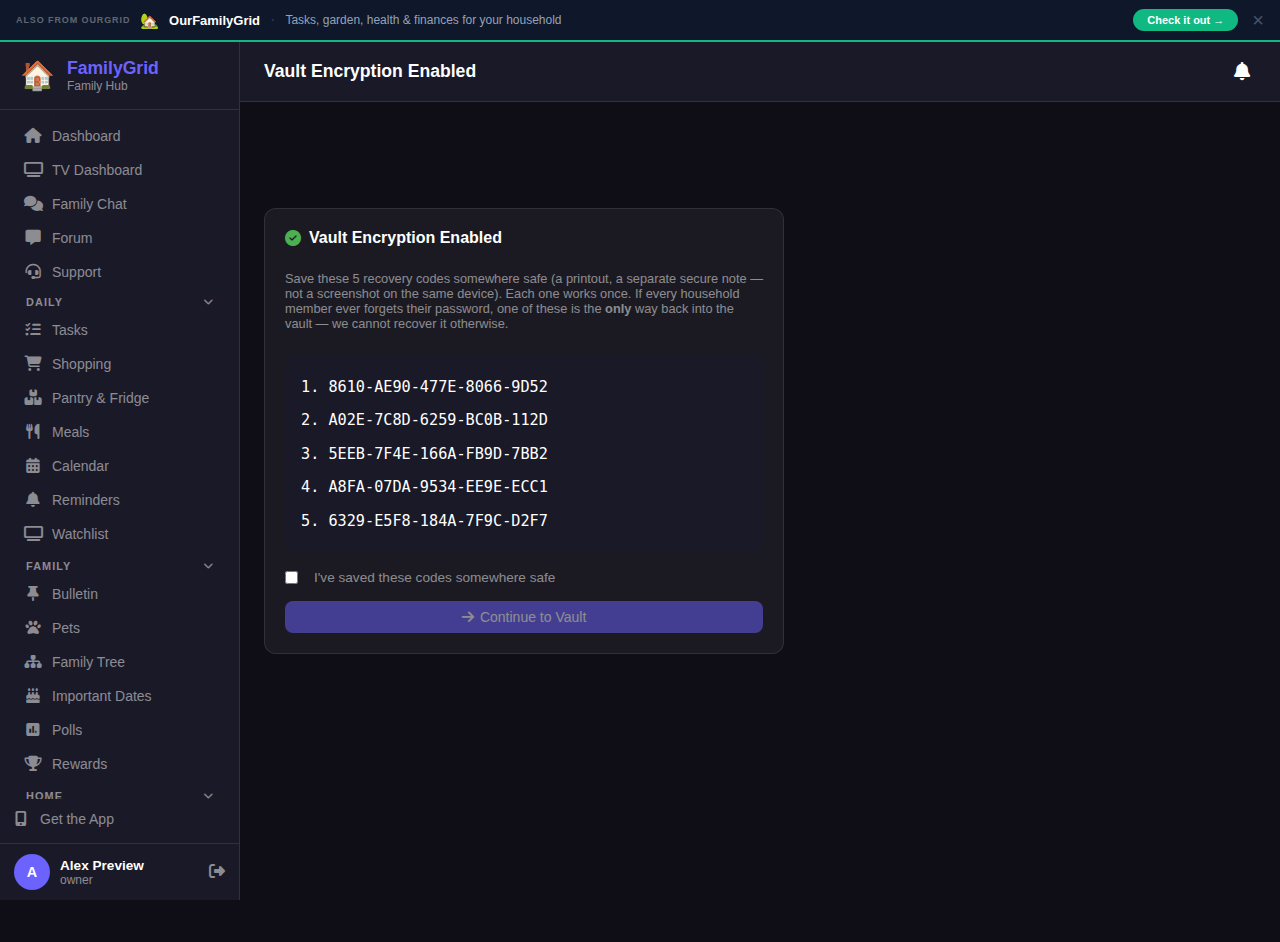
Five one-time recovery codes shown after enabling vault encryption
Step 2

  Save your recovery codes

Five one-time codes are your household's only way back in if everyone ever forgets their password. We can't recover it for you without one.
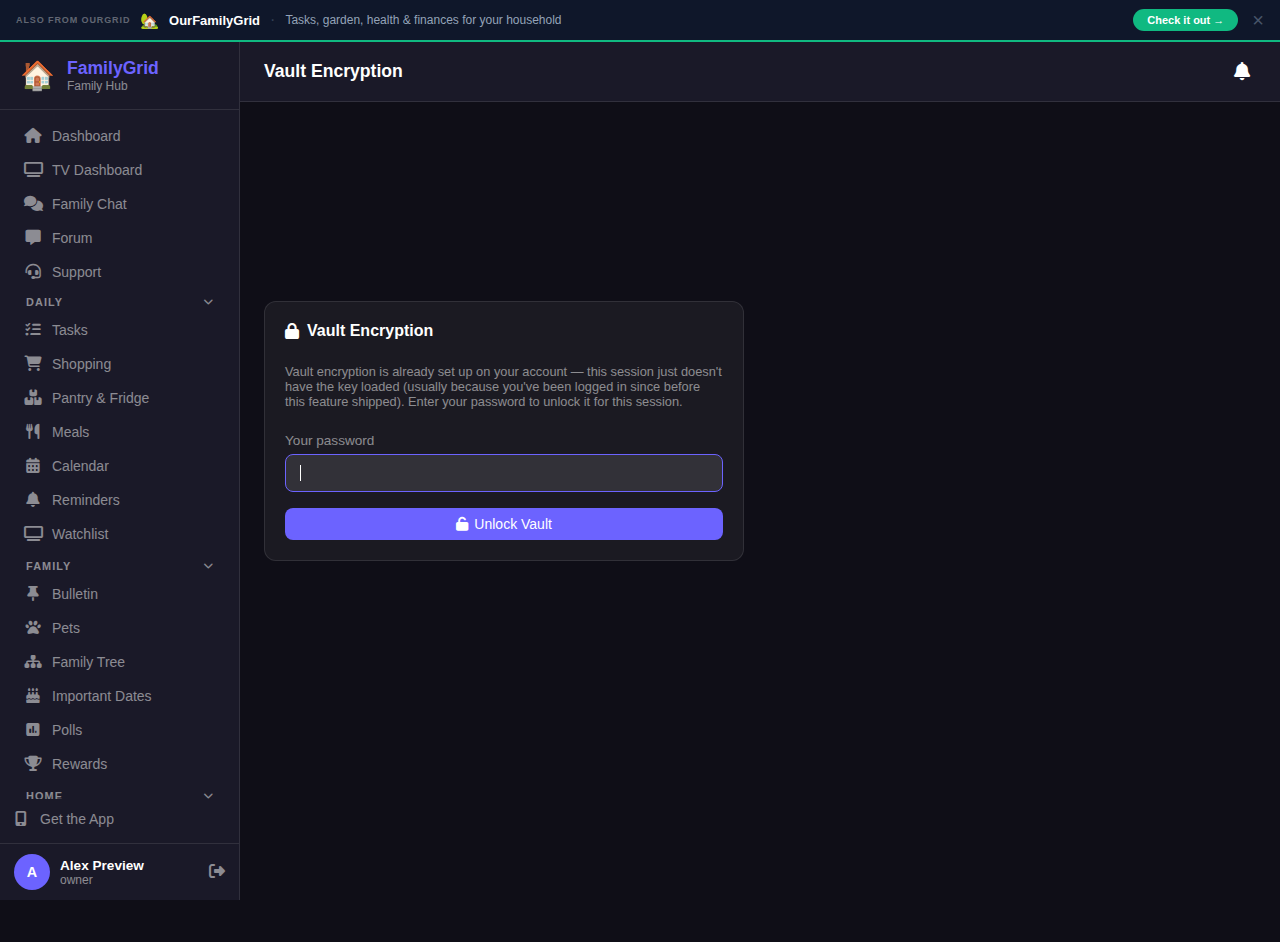
Unlock vault screen shown on a new device or session
Step 3

  Unlock on any device

Log in on a new device or browser and enter your password once to unlock the vault for that session.

What actually changed

The short version, for anyone who wants it.

Before

  • One encryption key, shared by every household on the platform
  • The key lived on the server alongside other configuration
  • Server access alone was enough to decrypt any vault

Now

  • Every household gets its own unique vault key
  • The key is never stored anywhere in readable form
  • Only a household member's password, or an unused recovery code, can unlock it

Ready when you are

Set up your household in under two minutes. Free, forever.

Get Started — It's Free